

ChatGPT Memory FAQ: Privacy Questions
If I want to control what ChatGPT remembers, I use the native Memory settings in ChatGPT. Start with Settings > Personalization > Memory, but the controls available can vary by account, region, app, device, or workspace rules.
The short version: deleting a chat is not the same as deleting a saved memory. That is the main privacy point to know.
I'd break it down like this:
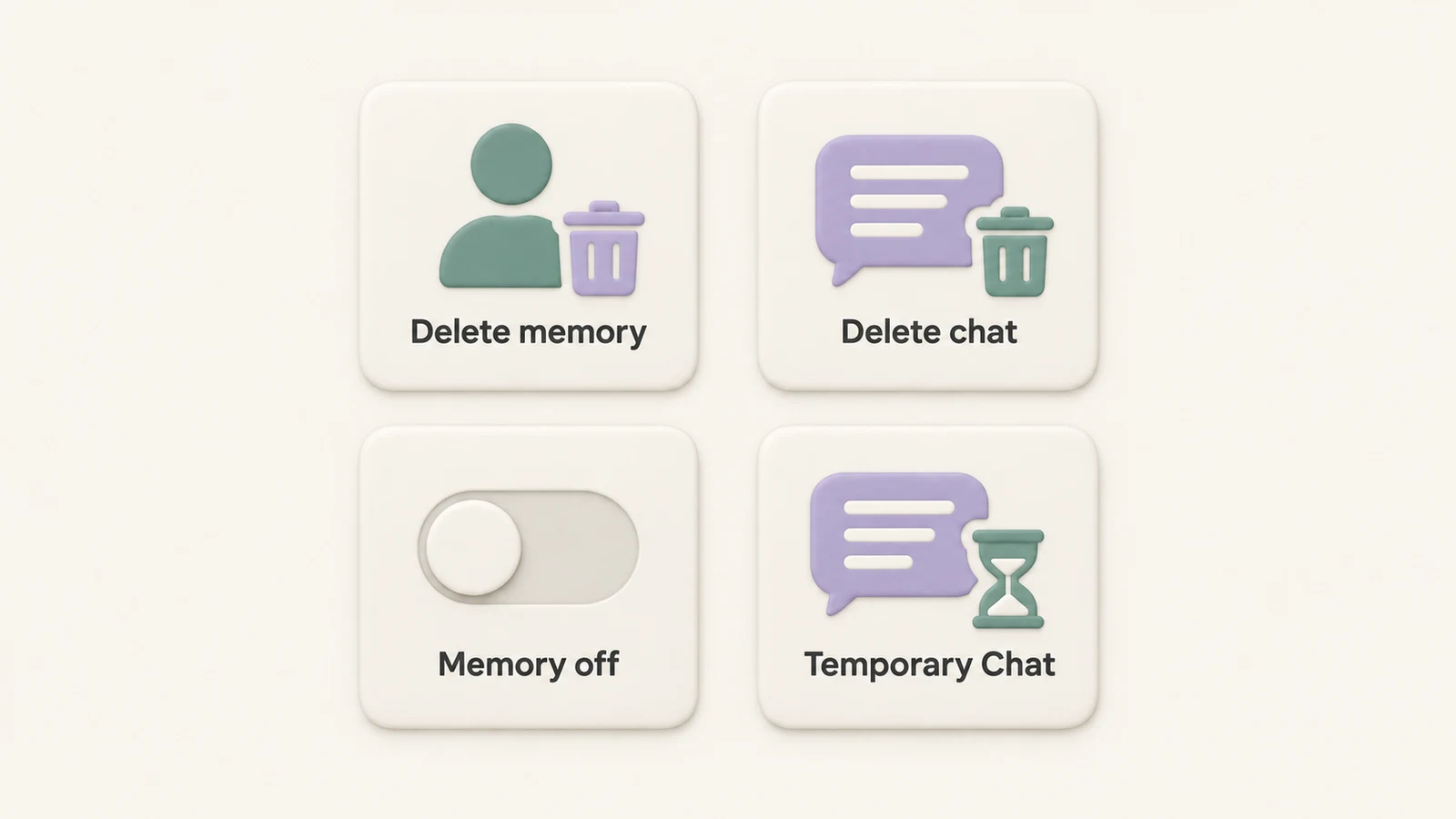
- Delete a saved memory if I want one remembered detail removed.
- Turn Memory off if I want future chats to stop using memory for personalization.
- Use an unpersonalized Temporary Chat if I want one session without memory personalization.
That choice matters because each control does a different job.
A few points stand out:
- Memory may keep preferences and useful context, not every message.
- I can ask ChatGPT what it remembers about me.
- I can also review the memory controls and sources available in my settings.
- Existing conversation messages are not rewritten when Memory is turned on, off, or edited.
Here's the plain comparison:
| Action | When to use it and what changes |
|---|---|
| Delete a saved memory | Remove one remembered fact. The original chat and other sources remain. |
| Delete a chat | Clear a conversation from history. A separate saved memory can remain. |
| Turn Memory off | Stop memory personalization. Original chats are not deleted. |
| Unpersonalized Temporary Chat | Keep one session separate from memory personalization. Older saved items remain. |
For most people, the decision comes down to one question: Do I want to erase a saved detail, pause memory use, or keep one chat separate?
That's also where limits matter:
- Native ChatGPT feature: Memory controls live inside ChatGPT.
- Mobile vs. desktop: Menu labels and available controls can look different.
- Workspace accounts: Some settings may be limited by admin controls.
One more thing: if a detail also appears in a past chat, file, or connected source, removing the memory entry may be only one step. I may also need to remove that source or disconnect the app.
Video Tutorial
This tutorial provides a visual tour of ChatGPT settings. Menu labels can change; use the current settings and the official sources linked below for the latest behavior.
Can ChatGPT Remember Personal Details?
Yes. If Memory is on, ChatGPT can keep useful context and use it later. That leads to the next point: what does it actually keep?
One key detail: saved memories are separate from chat history. Deleting a conversation does not automatically delete a saved memory created from that chat. If you want to remove that item, manage it separately.
What Memory Can Save
Memory can retain preferences and recurring details that help tailor replies. It does not store every message as an individual saved memory.
Saved memories can include details you ask ChatGPT to remember and information it saves as useful context. They do not always require individual approval. Where available, chat-history reference can also draw on past conversations.
Review Your Memories
Ask "What do you remember about me?", or open Settings > Personalization > Memory. Depending on your account, you may see a memory summary, saved-memory controls, or sources used for a response. A summary is a useful overview, not necessarily a complete inventory of every detail.
Delete Saved Memories
Yes. Review the controls in Settings > Personalization > Memory and delete the relevant item, or ask ChatGPT to forget a saved memory.
Memory vs. Chat Deletion
These actions do different jobs.
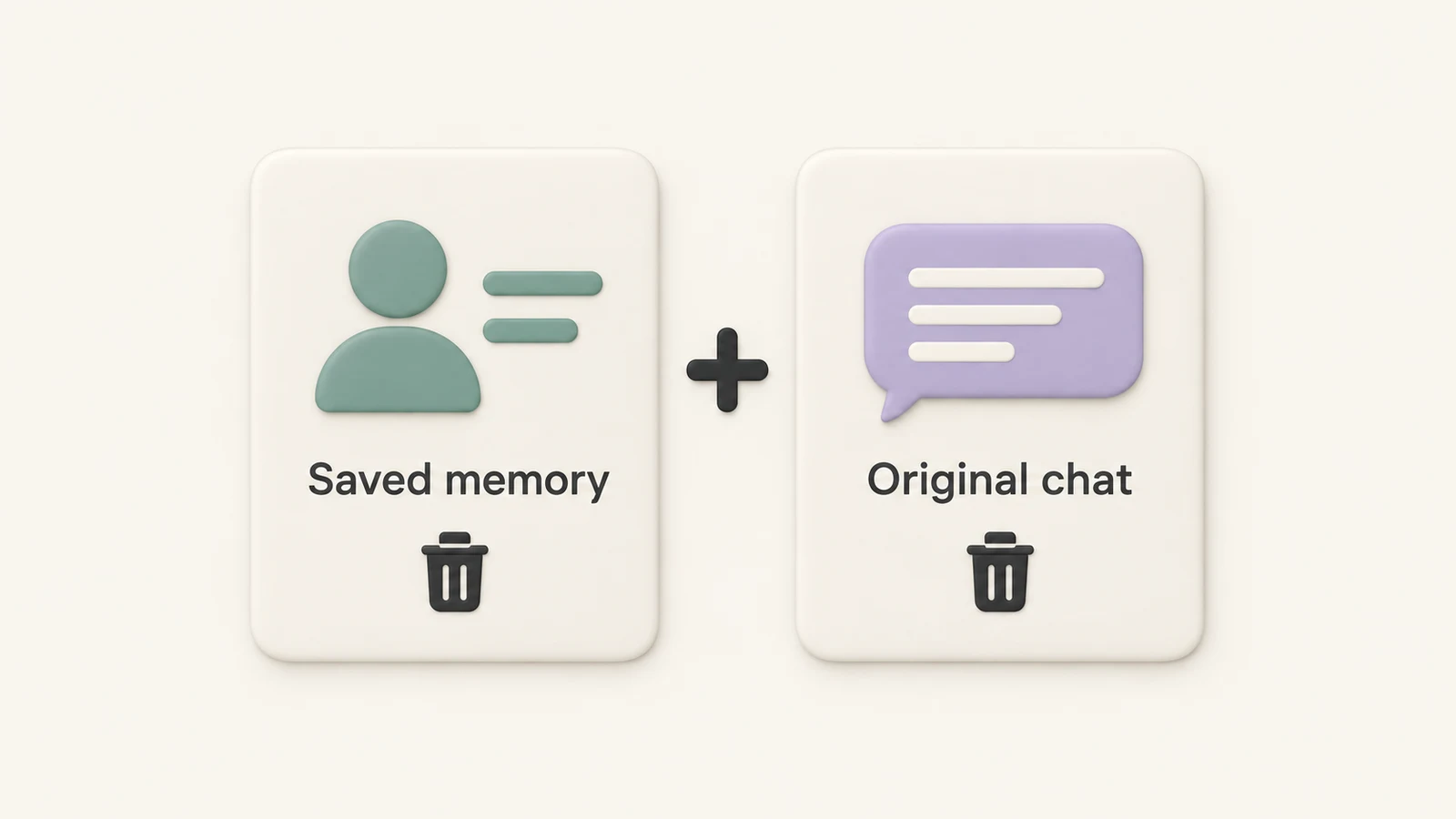
Deleting a saved memory removes that item from saved memory. Deleting a chat removes the conversation from history, but a separate saved memory can remain. If you delete only the memory, the original chat still remains in your history.
Turning off Reference saved memories, where available, is different too: it stops use of saved memories without deleting the saved items.
| Action | Effect on memory and chat history |
|---|---|
| Delete a saved memory | Removes that saved item. The original chat remains. |
| Delete a chat | Removes the conversation. A separate saved memory can remain. |
| Turn off Reference saved memories | Stops use of saved items without deleting them or your chats. |
When Full Removal Takes More Than One Step
Some details also exist outside saved memory. Check the original conversation, archived chats, relevant files, and connected sources. Removing a remembered item does not remove every copy of the information.
For a saved fact, delete the memory and the chat where you shared it. Review other sources where the detail appears. Disconnecting an app prevents future access but does not erase past conversations that used its content.
Deletion can take time to propagate. OpenAI says it may keep logs of deleted saved memories for up to 30 days for safety and debugging.
Does Memory Affect Every Chat?
Not exactly. Memory can shape later replies, but it does not rewrite old conversation messages. Its effect depends on relevance, enabled settings, and the context available to that chat.
Memory in Future Chats
In regular chats, memory can guide replies using relevant stored context. Temporary Chat does not create or update memories while it remains temporary, but it can use existing memory if personalized. Choose Unpersonalized before the first message to avoid memory personalization.
Past Chats Stay the Same
Here's how the main actions differ:
| Action | What changes next and what stays |
|---|---|
| Enable Memory | Can personalize replies using relevant context. Does not rewrite old messages. |
| Delete a chat | Removes that conversation as a source and from history. Separate saved memories can remain. |
| Unpersonalized Temporary Chat | Avoids memory personalization while temporary. Does not remove older chats. |
| Update a saved memory | Changes the remembered context. Does not rewrite old messages. |
Memory can influence what happens next without going back and editing earlier conversations.
When Should Users Turn Memory Off?
Turn Memory off when you do not want remembered context to personalize later replies. For a single conversation, an unpersonalized Temporary Chat may be the more focused choice.
Situations Where Turning Memory Off Makes Sense
Examples include confidential work or a device that other people can access. Turning Memory off limits personalization carryover, but does not protect an open account or remove visible chat history. Sign out when leaving a shared device.
For one-off conversations, use Temporary Chat and check the personalization choice before starting. A temporary conversation stays out of history unless you save it. Saving it converts it into a regular chat, subject to your account settings.
What Turning Memory Off Does and Does Not Do
The exact effect depends on the control:
- Reference saved memories off: Saved items remain stored, but are not used.
- Reference chat history off: Information remembered from past chats is scheduled for deletion within 30 days; the original chats remain.
- Delete and turn off memory: Where available, this combined action deletes remembered information shown in the summary and disables Memory, without deleting past chats.
This distinction matters: a switch that stops personalization and a command that deletes information are different controls.
Privacy Controls
Compare Privacy Actions
Use the table below to pick the control that fits your goal.
| Goal | Control and extra step to consider |
|---|---|
| Remove a saved fact | Delete the saved memory. Also remove the original chat and other copies of the detail. |
| Remove a conversation | Delete that chat. Review separate saved memories and other sources. |
| Stop memory personalization | Turn Memory off. Use deletion controls to remove existing information. |
| Keep one chat temporary | Choose Unpersonalized Temporary Chat. Do not save it as a regular chat if you want it to remain temporary. |
Memory settings are separate from model-training preferences in Data controls. Temporary chats are not used to improve models while temporary; OpenAI may keep a copy for up to 30 days for safety. Limited safety and security uses of context are separate from personalization settings.
Conclusion: Memory and Privacy in Plain Terms
Deleting a chat does not automatically erase a separate memory saved from that conversation.
Use the control that fits your goal: delete a saved fact, disable memory personalization, or start an unpersonalized Temporary Chat. For removal across your account, also review the original sources.
These are native ChatGPT controls. StylerGPT's workflow tools help with interface customization and organization; they do not replace ChatGPT's memory and privacy settings.
FAQs
Can ChatGPT remember personal details?
Yes. Memory can retain useful personal context when enabled. You can ask what it remembers and review the available settings. Saved memories and context derived from past chats are managed differently.
Can users remove memories?
Yes. Delete the saved item using Memory settings or ask ChatGPT to forget it. Turning off a setting alone does not necessarily delete saved memories. Also review the original chat and other sources containing the detail.
Does every chat use memory?
No. Its use depends on relevance and your settings. An unpersonalized Temporary Chat avoids memory personalization. A personalized Temporary Chat can use existing memories, but neither option creates or updates memory while temporary.
When should users switch Memory off?
When they do not want remembered context to shape future replies. For a single session, choose an unpersonalized Temporary Chat. Manage Memory under Personalization; model-training preferences are separate controls.
Sources
Official references used to support the product details and factual claims in this article.