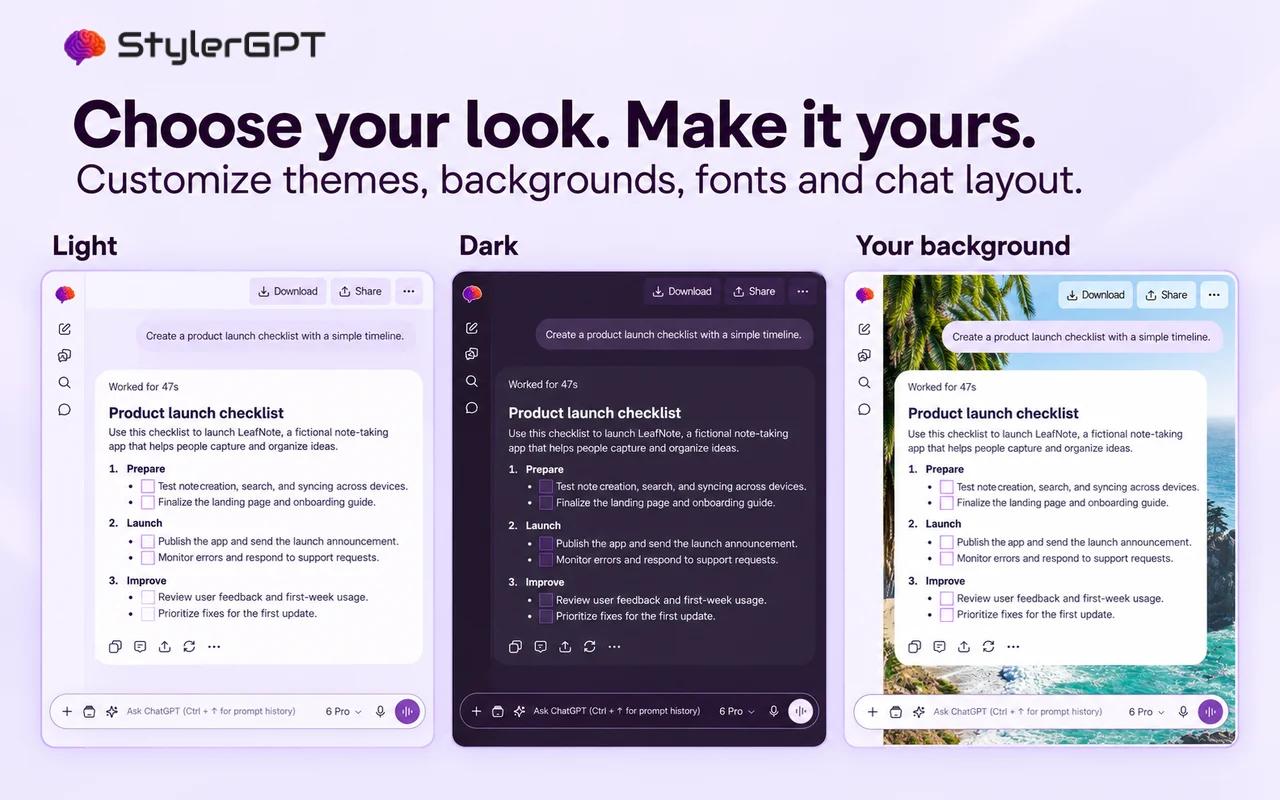
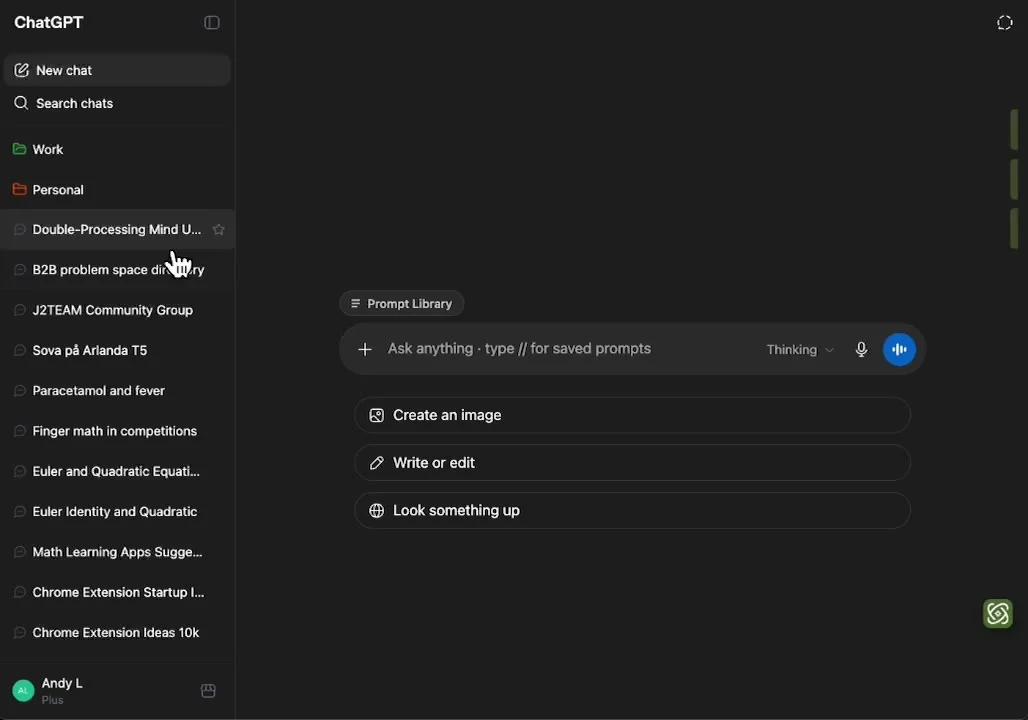
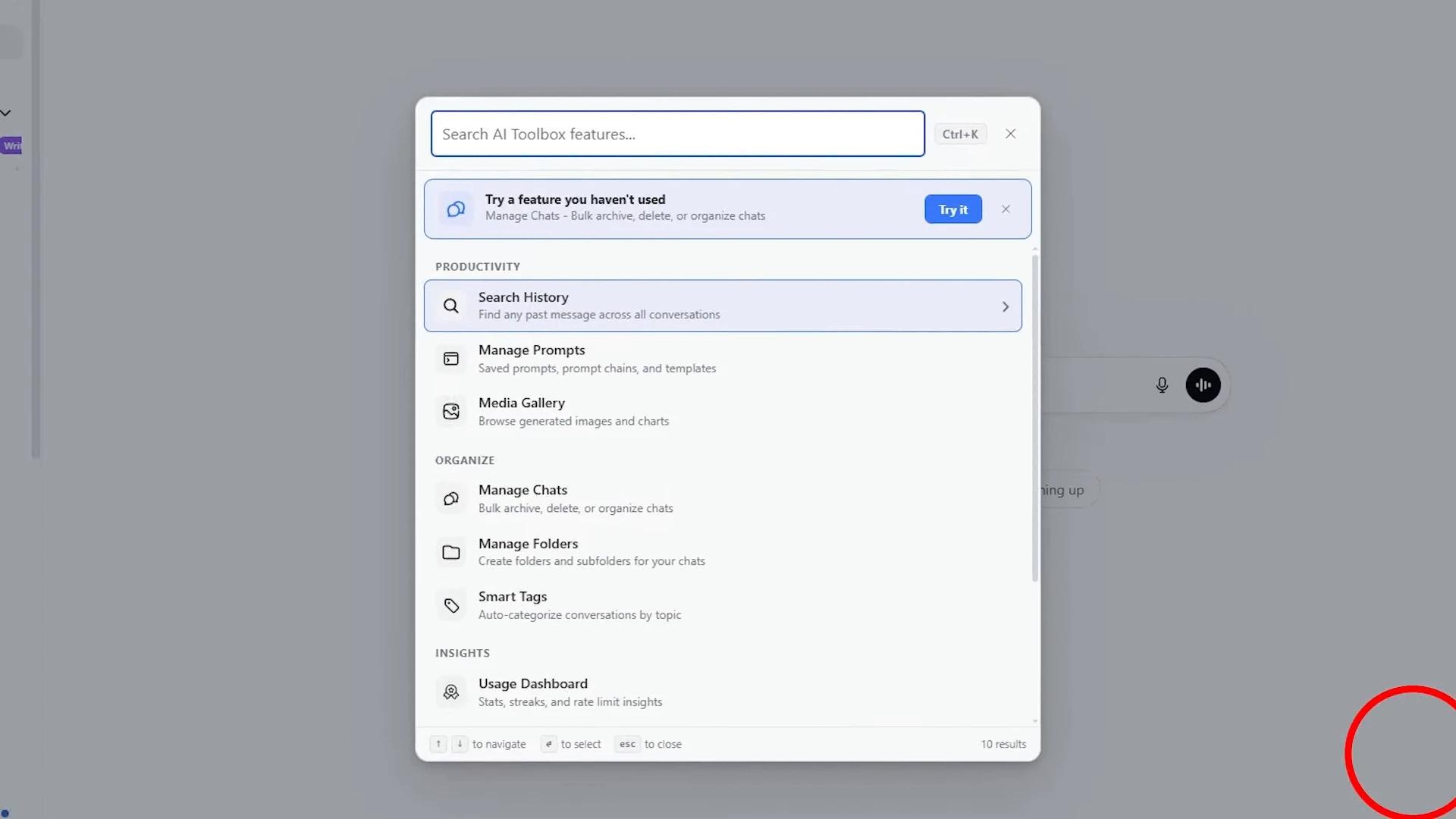
The ChatGPT workspace comparison
Compare ChatGPT extensions.
Find your everyday advantage.
Compare StylerGPT, Superpower ChatGPT, GPT Master and AI Toolbox on the features that shape everyday work: how you read, prompt, organize and export.
Reviewed September 17, 2026 · Published by StylerGPT
The four extensions at a glance
Capabilities span free and paid plans. This is a feature comparison, not an all-free checklist. Scroll the table sideways on smaller screens.
| What matters | StylerGPT | Superpower ChatGPT | GPT Master | AI Toolbox |
|---|---|---|---|---|
| Best fit | A personalized ChatGPT workspace, guided prompting and finished documents | Advanced ChatGPT research and prompt automation | Side questions, notes and long-chat navigation | Organization and search across four AI platforms |
| Appearance | Palettes; paid fonts, wallpapers, gradients, bubbles and code themes; Power presets | Conversation width, folder colors and images | Legacy gray mode and display controls | 8 accents, 4 font sizes and 4 chat widths; plan limits apply |
| Prompt refinement | Static templates and an interactive clarification workflow | Optimizer with tone, length, presets and custom instructions | Context-aware optimizer with before/after comparison | Reusable templates, variables and prompt chains |
| Saved prompts | Prompt Manager and recent Prompt History; Free allowances | Prompt library, folders, variables, chains and queue | Searchable // library, variables and Prompt Packs | Prompt library, categories, variables and chains |
| Chat organization | Nested folders; Power bulk move, archive and delete | Nested folders, bulk actions and automatic cleanup | Nested folders, bookmarks, notes and bulk actions | Nested folders, smart tags, bookmarks and bulk actions |
| Search | Power: synced title/message search, filters, match navigation and result export | Conversation search and research tools for notes, highlights and more | ChatGPT-backed search with matched excerpts | Full-text filters and opt-in cross-platform search |
| Document export | PDF, DOCX, Markdown, TXT and JSON; all messages or assistant responses only | PDF, Markdown, TXT and JSON; local generation, including multi-chat/folder export | Relies on ChatGPT’s own export, per its website | TXT; paid Markdown, JSON, PDF and ZIP. PDF uses a server first, with a local fallback |
| Conversation privacy | Privacy-first design, with tools that work in your browser | Server-backed conversation/workspace sync; Chrome optimizer and PDF generation run in the browser | Local organizer; AI features send draft/context content to GPT Master, with storage controls and disclosed retention | Local search; server PDF processing and context summaries; prompts sync by default with a device-only option |
| Prompt controls | Power: optional Prompt Guard warnings for sensitive prompt text | Configurable prompt optimizer and instruction profiles | Prompt optimization using its own AI service | Variables, context mentions and chained workflows |
| Specialist strength | Readability, editable DOCX and selectable-text PDF | Queues, chains, annotations and branching tree maps | Contextual Side Chat and heading-aware Minimap | ChatGPT, Claude, Gemini and Grok modules |
| Use alongside another extension | Free palettes or Pro advanced appearance + your preferred companion toolkit; switch off overlapping tools | Can be the workflow companion; overlapping sidebar/menu features need checking | Documents general coexistence; avoid duplicate organizers and appearance overrides | Documents coexistence, including Superpower; warns of possible sidebar overlap |
| Free and paid | Free + 7-day Power trial; Pro customization; Power full Toolbox | Free allowances; Pro for expanded workflows | Anonymous/free limits; optional Pro and Max tiers | Free limits; paid single-platform or All Access options |
Our pick for everyday ChatGPT work: StylerGPT
StylerGPT brings together a privacy-first browser experience, deep visual customization, interactive prompt refinement and direct PDF/DOCX output. For people whose main workspace is ChatGPT, that combination makes it our overall recommendation. Superpower stands out for research and automation, GPT Master for contextual Side Chat and Minimap navigation, and AI Toolbox for organizing work across four AI platforms.
The best choice depends on which of those strengths you will use. Privacy also depends on the action: Superpower generates PDFs locally but has server-backed workspace sync; GPT Master’s AI tools transmit draft/context content; AI Toolbox normally uploads conversations for PDF generation, with a local fallback. See StylerGPT plan limits or read the detailed comparisons below.
Keep your favorite tools. Add StylerGPT’s look.
You do not have to replace your current toolkit or buy a StylerGPT license to personalize ChatGPT. Start with StylerGPT Free for palettes and basic appearance customization, or choose Pro for advanced fonts, backgrounds, bubbles and layout. Let Superpower ChatGPT, GPT Master or AI Toolbox provide the tools you prefer. Disable overlapping StylerGPT tools in the Toolbox and avoid applying competing appearance or width settings in both extensions. Power is needed for complete theme presets and Background Roulette.
StylerGPT’s modular controls and dedicated styling integration for Superpower support this complementary setup. Combining full toolkits can introduce duplicate controls or sidebar conflicts, so each detailed comparison explains which settings to separate. Each extension retains its own privacy rules, so review the policies of both products.