

Real-Time UI Customization: Lessons from StylerGPT
You can restyle a third-party app live, from the browser, without changing its source code. That is the main lesson of this StylerGPT case study: useful customization depends on focused changes, clear controls, and continued maintenance as the host interface evolves.
Four ideas carry most of the work:
- Scoped CSS keeps appearance changes focused on the intended parts of ChatGPT.
- Extension messaging connects customization controls to the active conversation.
- Immediate visual feedback helps people judge themes, fonts, and layout changes as they make them.
- Selector safety and feature detection help developers handle changes to an interface they do not own.
The release history illustrates a practical constraint: compatibility is ongoing work. A customization tool has to keep working when the host app changes its navigation, message containers, or rendering behavior.
What I would reuse from this approach is simple:
- Update focused CSS properties instead of rebuilding the page.
- Batch frequent control changes so long chats stay responsive.
- Keep appearance controls predictable and easy to reset.
- Avoid unnecessary structural DOM rewrites.
- Provide a way to pause customization during troubleshooting.
- Keep feature access separate from the shared styling foundation.
Architecture: How Live Changes Reach ChatGPT
Content Scripts and Scoped CSS
StylerGPT combines extension controls with code that runs in the ChatGPT page. This is a standard browser-extension pattern: content scripts can inspect and change a page's DOM, while other extension surfaces handle controls and interactions.
The important design choice is where styles apply. A font rule intended for chat messages should not accidentally change navigation labels, dialogs, or unrelated controls. Narrow selectors and clearly named CSS properties help keep those changes focused.
Scoping reduces conflicts; it does not eliminate them. Content scripts share the page's DOM, and a host app can still change the elements or styles an extension relies on. JavaScript isolation should not be confused with automatic CSS isolation.
Controls and Message Passing for Live Preview
When someone picks a theme, changes a font, or adjusts conversation width, the control surface needs to communicate that choice to the page. Browser extensions provide message-passing APIs for communication between extension contexts and content scripts.
For a live styling workflow, the useful model is small: control change → targeted style update → visible result. The user should be able to judge the change without reloading the conversation.
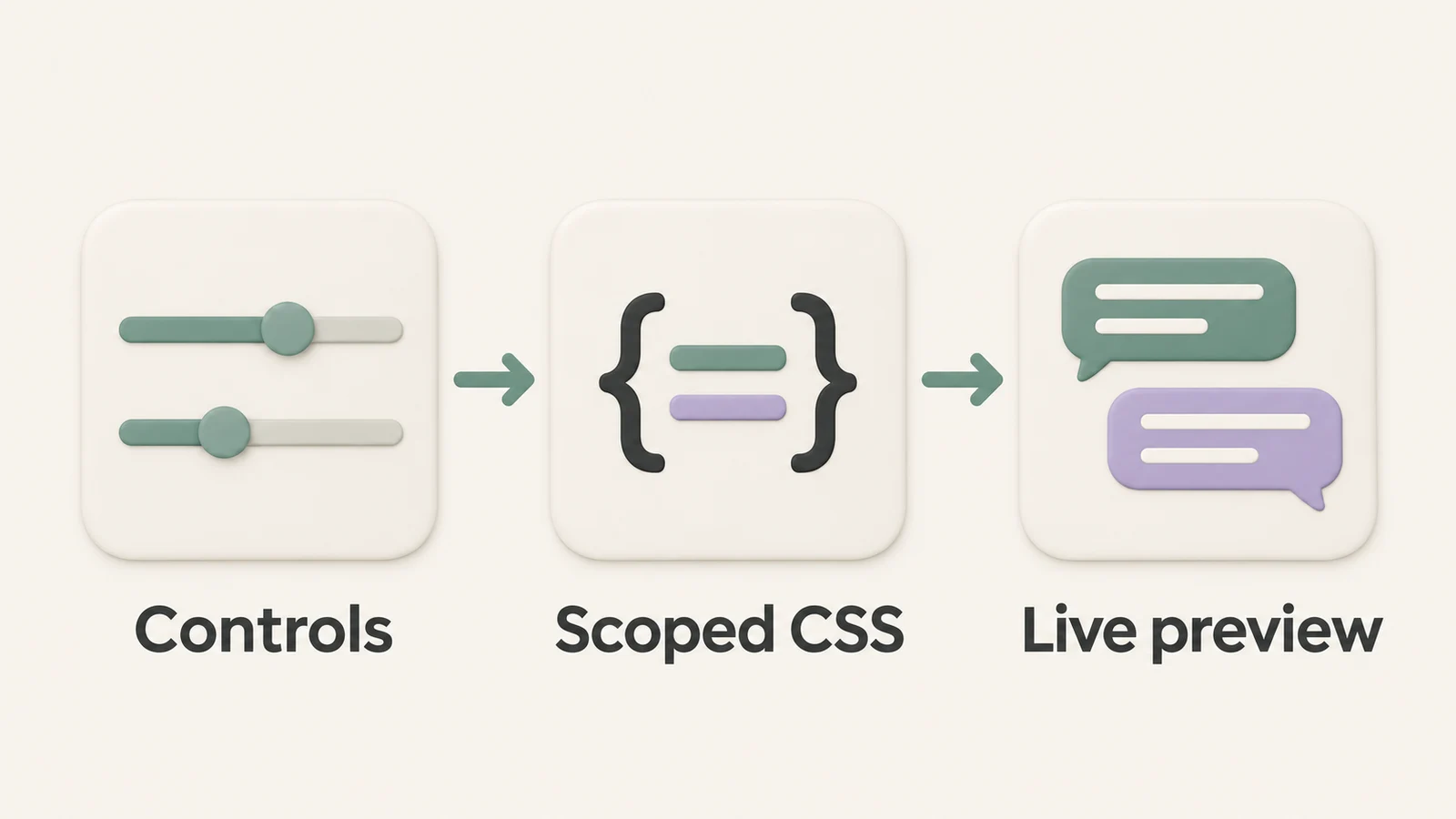
This is a conceptual illustration, not a screenshot or a complete map of the extension's internal components. The implementation lesson is to send the information needed for a change and keep the resulting page update focused.
Settings That Support a Consistent Workspace
People expect their preferred appearance to remain available when they return to work. Treat restoring settings as part of the experience: defaults should be sensible, changes should be understandable, and reset behavior should be clear.
StylerGPT provides privacy-first tools that work in your browser. Its customization and productivity controls help users shape their workspace without turning every adjustment into a setup task.
Implementation: Themes, Backgrounds, Fonts, and Layout
Theme Switching with Focused Style Changes
CSS variables and runtime class changes are useful building blocks for themes. They let a developer update colors and related values without reconstructing the message list.
StylerGPT's themes show how those choices become a user-facing feature. Separate colors for user and assistant messages can make a conversation easier to scan, while light and dark palettes support different reading preferences.
The engineering lesson is to give each visual choice a clear scope. A bubble-color adjustment should affect bubbles; a conversation-width adjustment should affect the conversation area. Combining unrelated changes makes regressions harder to isolate.
Backgrounds and Typography Controls
Backgrounds can make a workspace feel personal, but text must remain readable over the selected image. Check contrast, message surfaces, and controls together rather than judging a wallpaper by itself.
Typography deserves the same care. StylerGPT offers font customization, and the practical decisions include:
- Font family and character clarity.
- Font size at the user's normal browser zoom.
- Line spacing in long responses.
- Readability of code, tables, and mixed content.
Changing a font can also change line breaks and element heights. Test more than a short sample: long answers, lists, and code blocks reveal problems that a tidy preview may hide.
Layout Tuning Without Heavy DOM Rewrites
Conversation width, padding, and spacing are good candidates for targeted CSS overrides. StylerGPT includes SM, MD, LG, and XL chat-width presets, giving users understandable choices rather than requiring them to edit CSS.
For developers, the benefit of this approach is a smaller structural footprint. If a width adjustment can be expressed through a property on the relevant container, there is less reason to move message elements or rebuild the host application's layout.
Keep a reset path available and check narrow windows as well as large monitors. A width that feels comfortable on a desktop should not create horizontal scrolling when the window shrinks.
The following video explains a related CSS problem when working inside a host page:
Privacy, Performance, and Compatibility Lessons
Once live styling works, the next challenge is making it dependable during everyday use.
Performance Choices for Long Conversations
Keep frequent updates small. Changing a focused CSS variable can be easier to maintain than repeatedly replacing a large style block, but the actual cost still depends on what that property affects. A width change may cause substantial layout work even when the JavaScript change is tiny.
Batch slider updates when input events arrive faster than useful visual updates. Then measure the result with realistic conversations: long responses, code blocks, images, and tables can all change rendering costs.
These are implementation recommendations, not a claim that every StylerGPT control uses the same optimization. The goal is responsive interaction supported by measurement, rather than assuming a particular technique guarantees smoothness.
Privacy-First Tools and Realistic Safeguards
Present the practical benefit clearly: privacy-first tools that work in your browser. Keep controls understandable and avoid promises that a customization tool cannot support.
For example, prompt guard adds a check before sending text. Users should still review what they send: a warning tool cannot guarantee that every sensitive value will be detected. Clear limits help people make informed decisions without overstating protection.
Appearance controls also need practical safeguards. Preserve readable contrast, keep important actions reachable, and make it easy to recover from a combination of settings that does not work well.
Staying Compatible with ChatGPT UI Changes
Scoped overrides reduce the area affected by a change, but they do not make selectors permanent. A host app can replace its containers, rename attributes, or introduce a different layout for the same task.
For a similar extension, prefer stable semantic signals where available, detect whether an expected element exists, and handle missing elements gracefully. Avoid treating generated class names as a permanent API.
Test the states users actually encounter: new chats, long conversations, open and closed navigation, narrow windows, and different appearance modes. Keep a way to pause the extension or reset customization while investigating a conflict, and provide a clear support route for reporting it. In StylerGPT, use Pause Customizations in Settings when troubleshooting, or submit a support ticket from the extension panel.
Product Lessons: What Developers Can Reuse
One Shared Foundation for Different Feature Sets
The original case study highlights a useful product principle: separate feature access from the shared customization foundation. Different feature sets do not automatically require separate styling implementations or separate extension builds.
For StylerGPT's current feature availability, consult the plan comparison. For developers building something similar, the architectural takeaway is to keep shared behavior consistent while making access decisions explicit.
Appearance, Search, Organization, and Export
A browser extension can offer appearance controls alongside prompt manager, smart search, chat folders, and chat export. Users experience these as parts of one workspace, so consistent interactions and predictable recovery matter across all of them.
That does not mean every tool should have an identical implementation. Search, organization, and export have different requirements. Reuse shared controls and conventions where they help, while keeping each feature's responsibilities clear.
Key Takeaways for Developers
The most reusable lesson is to keep changes narrow and reversible. Scoped styles, small updates, clear defaults, and careful compatibility checks make a customization layer easier to reason about.
Maintenance belongs in the product plan from the beginning. When the interface underneath you changes, users need a working recovery path and updates that address the new behavior. A growing feature list is useful only if the everyday workspace remains dependable.
For the user-facing side of these ideas, explore StylerGPT's features or the guide to user-centered design for AI interfaces.
FAQs
How Does Scoped CSS Reduce Breakage?
Scoped CSS limits a rule to the intended area, such as chat-message containers, instead of applying it broadly across a page. This reduces accidental changes to navigation, dialogs, and unrelated controls. It still needs maintenance when the host application's DOM changes.
Why Does Live Preview Matter for UI Customization?
Live preview lets people judge a font, color, or width adjustment in the conversation they are using. Immediate feedback makes it easier to choose a readable combination and recover from an unhelpful change without repeatedly reloading the page.
What Should Developers Do When ChatGPT Changes Its DOM?
Reproduce the affected state, check the relevant selectors and layout assumptions, and update the smallest part that needs to change. Give users a way to pause customization while a fix is being prepared. StylerGPT users can report unexpected behavior by submitting a support ticket from the extension panel.
Sources
Official references used to support the product details and factual claims in this article.