

User-Centered Design for AI Interfaces
User-centered design puts people's goals, expectations, and limits at the center of an AI interface. An AI system may produce useful results, but people still need to understand what it is doing, correct it when it misses the mark, and feel comfortable using it in their own workflow.
The practical priorities are straightforward:
- Understand user needs: Research the tasks, context, and constraints of the people who will use the interface.
- Make AI behavior clear: Explain what the system can do, what it has done, and where uncertainty remains.
- Keep people in control: Let them edit inputs, review outputs, undo actions, and report problems.
- Meet familiar expectations: Use recognizable patterns and introduce advanced features gradually.
- Stay predictable: Give consistent feedback, including during delays and failures.
- Personalize usefully: Let people adjust the interface to their reading preferences and work.
Visual customization and workflow tools, including StylerGPT, show one way to put these principles into practice for a ChatGPT workspace. They complement the design of the AI service itself; they do not replace clear explanations or reliable behavior from the underlying system.
Core Principles of User-Centered Design for AI Interfaces
AI outputs can be uncertain, and users may not see how a result was produced. Good interface design makes that uncertainty manageable by giving people context, feedback, and ways to act.
Understanding User Needs
Start with the situation in which people will use the product. What are they trying to accomplish? What information do they have when they begin? What mistakes would be expensive or hard to reverse? Interviews, observation, usability sessions, and feedback can reveal needs that a feature list will miss.
Research should include people with different levels of experience and different access needs. A clear result for an expert may still be confusing to a first-time user. Test language, visual hierarchy, keyboard access, and error recovery with real tasks, then revise the interface as you learn.
Ensuring Clarity and Transparency
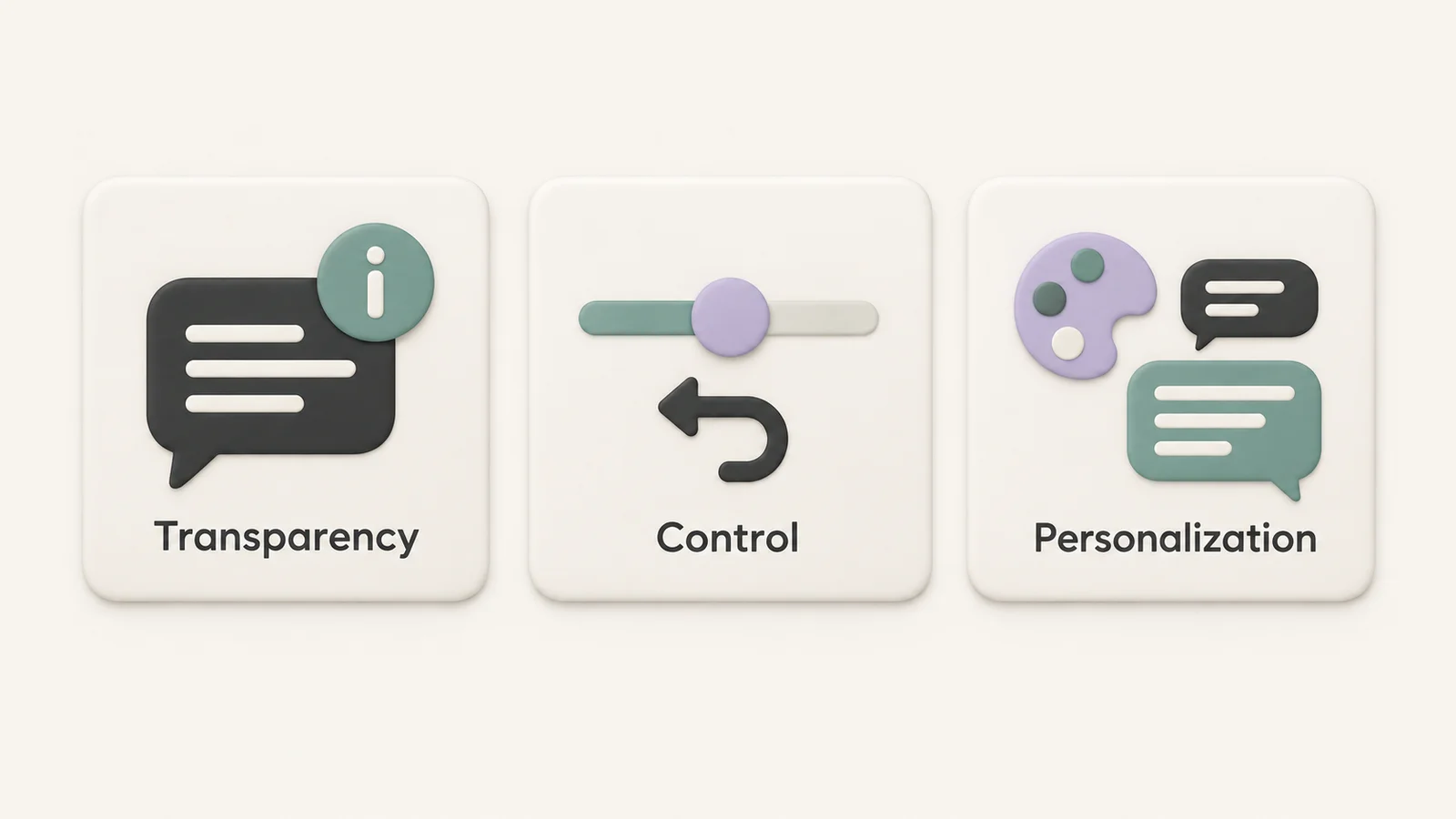
People should know when AI is involved, what a suggestion is based on when that can be explained, and which parts still require judgment. Plain language is more useful than a vague claim that an answer is intelligent or personalized.
Show the status of work in progress. Explain whether an action is still running, has completed, or needs attention. Where uncertainty matters, describe it in terms the user can act on. A confidence indicator without context can create false precision; a short explanation of limitations or missing information is often more helpful.
Transparency also means setting expectations early. If a system summarizes a document, say what material it can access. If it cannot verify a claim, make that limitation visible before the user relies on the answer.
Adding User Control and Feedback
An AI interface works better when people can steer it. Let users revise a prompt, change a generated result, accept or reject a suggestion, and return to an earlier state. Make consequential actions reviewable before they happen, and offer an undo or recovery path where possible.
Feedback controls should have a purpose. A report or rating option is useful when it lets someone describe what went wrong and when the product uses that information to improve. It should not be the only way to recover from an immediate error.
Best Practices for User-Centered AI Interfaces
The most effective patterns bridge advanced capability and familiar interaction. People should be able to begin with a recognizable task and discover more control as they need it.
Matching the Interface to User Expectations
Use labels and controls that behave as people expect. A search field should look and act like search. An editable draft should make it clear when changes are saved. If the product accepts text, files, or voice, each input method needs an understandable state and a clear result.
Progressive disclosure can keep the first experience approachable. Show the essentials first, then reveal advanced settings when they become relevant. A useful first-run example or a short explanation of what to try can resolve the blank-canvas problem without overwhelming the page.
Prioritizing Predictability and Consistency
Similar actions should produce similar feedback. Keep labels, controls, status messages, and recovery options consistent across the interface. If a result takes time, show progress. If a request fails, explain what happened in plain language and offer a retry or a way to edit the input.
Predictability does not mean promising identical AI outputs. It means that the interface behaves consistently around variable outputs: users know where to find sources, how to make changes, what has been saved, and how to recover.
| Design question | Helpful interface behavior |
|---|---|
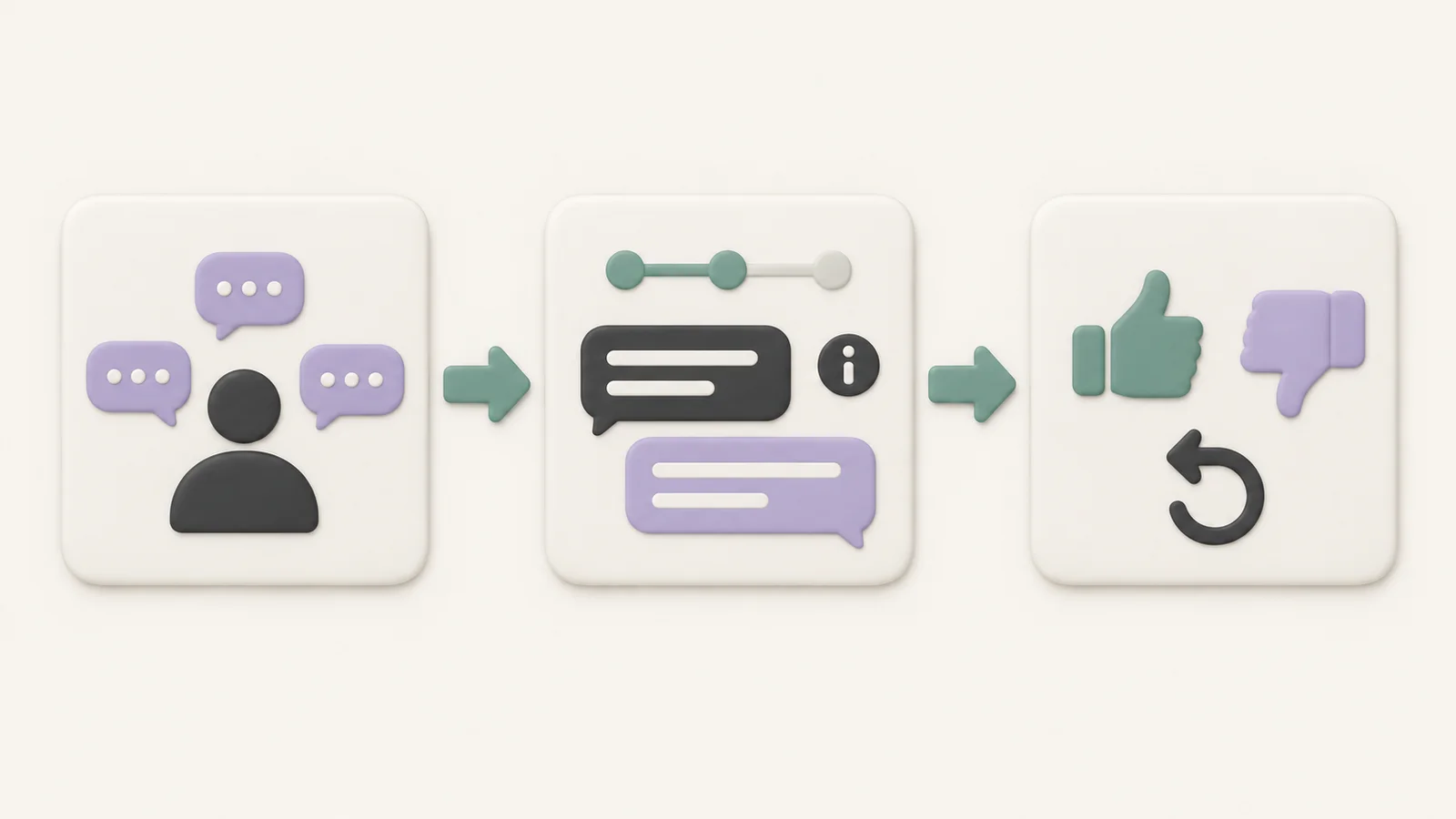
| What is the system doing? | Show a clear status and the scope of the current action. |
| Why did I get this result? | Provide relevant context, sources, or a concise explanation when available. |
| What if it is wrong? | Let people edit, retry, reject, or report the result. |
| Can I reverse this? | Offer review and undo for actions that change data or state. |
Designing for Failure
AI can misunderstand a request, omit context, or return a result the user cannot use. Provide a specific error message and a next step. Preserve the user's input where possible, so a failed attempt does not mean starting over. For important decisions, make human review easy to reach.
Improving AI Interfaces with Personalization
Personalization is useful when it removes friction from a real task. People may need different text sizes, contrast, layouts, input methods, or amounts of detail. Let them adjust these settings without making the basic interface harder to understand.
Personalization Features for Better Usability
Start with direct, reversible choices: theme, font, text size, spacing, and content width. A person working through long technical responses may prefer a wider reading area, while someone reading prose may prefer a narrower measure. Save preferences clearly and make it easy to return to defaults.
Adaptive features require extra care. If the interface changes automatically, users need to understand why and be able to override it. Accessibility also needs more than personalization controls: test contrast, zoom, keyboard navigation, semantics, and the actual reading experience.
StylerGPT as a Tool for Customizing AI Workspaces
StylerGPT is a browser extension that adds appearance and workflow controls to ChatGPT. Users can choose themes and wallpapers, adjust fonts and chat width, and style message bubbles or code blocks. These controls can make a long session easier to read and help someone shape the workspace around their preferences.
Its workflow tools address a different part of usability. Prompt Manager and Prompt History help with repeated instructions; Chat Folders, Bulk Actions, and Smart Search help people organize and find conversations; Chat Export creates local PDF, DOCX, Markdown, TXT, or JSON files. Availability varies by plan, so the features and pricing pages provide the current details.
The privacy boundary matters here too. StylerGPT keeps styling, saved prompts, folders, prompt checks, and exports local to the browser. Trial verification, licensing, and payment processing use limited data as described in the privacy policy. This is more precise than claiming that no data is ever collected.
These options illustrate user control over the workspace. The AI service still needs to communicate its own limits and support correction of its results.
Key Takeaways for User-Centered AI Interface Design
- Understand users before choosing features. Research their goals, environment, experience, and access needs with real tasks.
- Explain the system's role. Make AI involvement, progress, limitations, and relevant context visible.
- Give people a way back. Support editing, rejection, retry, feedback, and undo where each is appropriate.
- Use familiar, consistent patterns. Introduce complexity gradually and keep interface behavior predictable.
- Personalize for a purpose. Let people tune readability and workflow without hiding important changes or removing control.
Successful AI interfaces help people make progress while keeping their judgment in the loop. Clarity, control, recovery, and thoughtful personalization make that possible.
FAQs
How do user-centered design principles build trust in AI interfaces?
They help people understand what the system is doing and what they can do when a result is wrong. Clear explanations, consistent feedback, reviewable actions, and recovery options make an interface easier to evaluate and use.
How can an AI interface be more transparent and user-friendly?
Explain where AI is used, show the state of a task, and provide context or limitations for results. Use familiar language and controls. Give users a clear way to edit an input, question an output, and recover from an error.
How does personalization improve usability and engagement?
Personalization lets people adjust the interface to their reading and working preferences. Useful choices such as text size, contrast, layout, and saved workflow tools can reduce friction. Keep changes understandable, reversible, and accessible.