
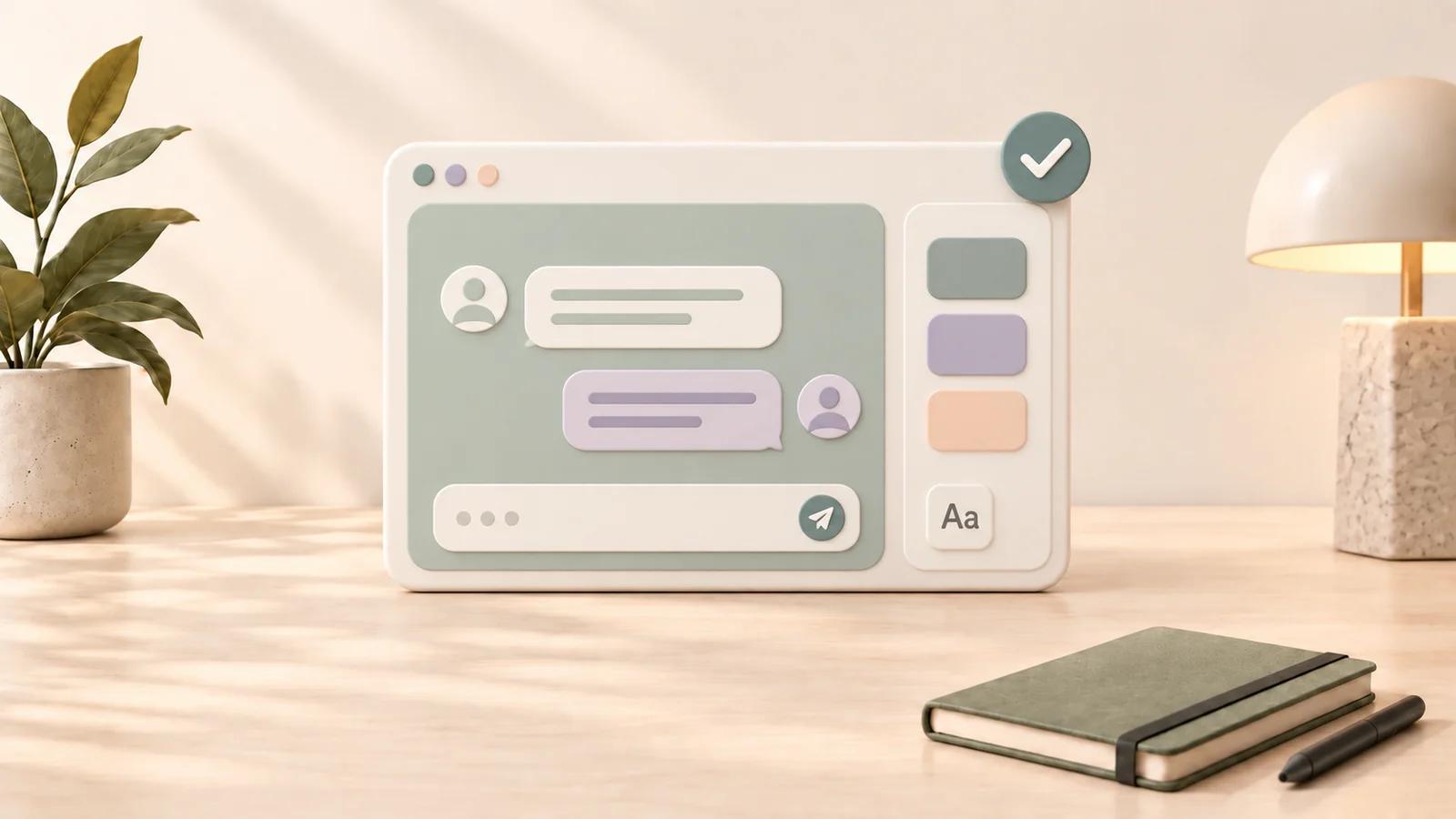
How to Set Up StylerGPT for ChatGPT Themes, Prompts, Prompt Guard, and Export
Set up StylerGPT around one real ChatGPT conversation. Start with a comfortable appearance, save a prompt you use often, and try exporting a result you want to keep. You can add the rest of the tools as you need them.
StylerGPT is a browser extension for ChatGPT's desktop web interface. It adds themes, fonts, backgrounds, layout controls, and a Toolbox for prompts, prompt guard, folders, and local exports. Installing it does not change the native ChatGPT mobile apps or provide a separate ChatGPT subscription.
1. Install the Version for Your Browser
Choose the official listing for your browser:
- Chrome Web Store, also used by compatible Chromium browsers such as Brave and Vivaldi.
- Microsoft Edge Add-ons.
- Firefox Add-ons.
Select the store's add or install button and review the browser's permission prompt. After installation, use the browser's extensions menu to pin StylerGPT or make it visible in the toolbar. The wording and icon can differ between browsers.
Open chatgpt.com and sign in. If ChatGPT was already open when you installed the extension, reload that tab.
2. Open StylerGPT and Complete the Welcome Flow
Select the StylerGPT toolbar icon to open its controls. An eligible new installation can activate a 7-day Power trial. Follow the welcome flow shown for your account. If it does not appear, use the toolbar icon to open the extension controls.
The current guided setup has three parts:
- Your style: preview a starting appearance and explicitly apply the one you want.
- Your first shortcut: try a reusable prompt, a chat folder, a sample export, or a Prompt Enhancer example.
- Ready to use: review what you completed and return to ChatGPT.
You can skip a step or close the flow. Previewing a setting is different from applying it. If the setup offers a sample PDF, treat it as a demonstration; use a real conversation to test a conversation export.
3. Choose a Comfortable Appearance
During the Power trial, browse the theme presets and apply one that suits your lighting and screen. The collection includes more than 1,000 presets, with general and accessibility-oriented options.
Then fine-tune only what needs attention:
- Appearance: choose light, dark, or device-based mode and an accent color.
- Typography: search more than 1,000 font families and choose a small, medium, large, or extra-large size.
- Font scope: apply the font to chat messages or the full interface.
- Backgrounds: use a solid color, gradient, catalog image, or uploaded image.
- Chat layout: adjust conversation width and bubble styling.
Keep text clear against the background. Try a long answer and a table before deciding that a preset works for your everyday use.
After the trial, Free retains color palettes. Pro includes advanced font, background, and layout controls. Complete theme presets require Power. Compare appearance access.
4. Save Your First Reusable Prompt
Open Prompt Manager from its control near the ChatGPT message box. Create a prompt you can use more than once, give it a descriptive name, and save it.
For example: "Review the following draft for clarity. Identify unclear phrases, explain each issue briefly, and suggest a revised version."
Insert the saved prompt into the composer, add the draft you want to review, and check the full message before sending. You can search saved prompts and organize them into folders. Templates can also use variables that you fill before insertion.
For quick access, type the configured trigger at the start of the message box. The default is //. You can change it in Toolbox settings.
Try Prompt Enhancer
If a draft is vague, use Prompt Enhancer before sending it. Choose Static for a direct rewrite or Interactive for guided questions. The default Choose each time mode lets you decide when starting an enhancement.
The rewrite is produced through a temporary ChatGPT session and then applied to the composer with an undo option. Review the result before sending it; an enhancement does not replace your final judgment.
Enable Prompt Guard when you want a local pre-send check
If you have Power or an active Power trial, enable Prompt Guard in Toolbox. It is off by default and checks supported outgoing prompt text locally before sending, pausing when it finds patterns such as email addresses, phone numbers, payment cards, IBANs, tax IDs, API secrets, credential assignments, or private keys. You can edit the draft or explicitly continue. Files, images, OCR, voice, and connector uploads are not checked.
5. Organize and Export a Real Conversation
Create a Chat Folder
Use the sidebar's Folders section to create a folder for a current topic. Assign a conversation so you can find it again.
These are local StylerGPT folders. They do not create ChatGPT Projects or synchronize a shared library across devices. During a Power trial or with Power, Bulk Actions can manage selected conversations together.
Save a Conversation to Your Device
Open a completed conversation and select the Download control in its header. Choose PDF, DOCX, Markdown, TXT, or JSON, then review the available document options.
A PDF is useful for a readable copy; DOCX is useful if you want to edit the result in a word processor. The export is generated locally and handed to your browser for saving. Open the file afterward to confirm it includes the content you need.
An onboarding sample export is separate from this check. Testing a real export also counts toward the included export allowance if you are using Free or Pro.
6. Add the Everyday Tools You Need
Use Toolbox or the relevant settings controls to enable the features you want:
- Prompt History: Ctrl/Cmd + Up and Down revisit recent prompts.
- Enter for new lines: Enter adds a line and Shift+Enter sends when the setting is enabled.
- Messages Timestamp: show timing information on supported conversation surfaces.
- Background Roulette: rotate background images manually or on a daily, weekly, or monthly schedule.
- YouTube Summarizer: prepare a summary prompt from an available YouTube transcript and open it in ChatGPT.
- Prompt Guard: check supported outgoing prompt text locally for sensitive data before sending.
Smart Search, Background Roulette, Bulk Actions, YouTube Summarizer, and Prompt Guard require Power or an active trial. YouTube Summarizer also needs access to YouTube pages. Optional permissions are requested for the feature that needs them; you can review access in your browser's extension settings.
Smart Search is enabled by default with Power and the active Power trial, with unlimited searches and result exports. It is not included with Free or Pro. Let the initial synchronization finish, then open sidebar search or press Ctrl/Cmd+K. Search titles or messages, narrow the results with filters, and open a highlighted match. Advanced > Chat archive shows synchronization progress and estimated time remaining, then the conversation count and last operation. Native search remains available while the first sync runs. Turning the archive off deletes the local downloaded copies and disables Smart Search and Manage folders, without deleting your ChatGPT conversations or folder assignments.
Organize chats with subfolders
Chat Folders supports multiple levels of nested folders on every plan. Create a main folder from the Folders header, then use its menu to add a subfolder. Drag a folder onto another folder to nest it, or onto the Folders header to move it back. You can also move it from its menu. Main folders can hold chats directly alongside subfolders.
Every main folder and subfolder uses one slot: 3 total on Free, 5 on Pro, unlimited on Power. Deleting a main folder removes its subfolders after confirmation, while keeping their conversations unassigned.
Add descriptions when creating or editing folders on any plan. With Power or an active trial, Manage folders appears after the first Chat archive sync and lets you browse synced chats, search titles, and move selected conversations from one view.
When exporting a conversation, choose all messages or only assistant responses in any supported format. Prompt History also keeps repeated prompts to one visible entry, moving reused prompts to the top.
What Stays Free After the Trial?
When full access ends, you can continue on Free with limits of 3. Pro raises each of the five limits to 5:
| Included tool | Free | Pro |
|---|---|---|
| Chat Folders, including subfolders | 3 total | 5 total |
| Prompt Manager | 3 saved prompts | 5 saved prompts |
| Prompt Enhancer | 3 per month | 5 per month |
| Chat Export | 3 per month | 5 per month |
| Prompt History | Latest 3 prompts | Latest 5 prompts |
Enhancement and export counters are separate and reset each local calendar month. Only successful enhancements count; the export allowance is shared across all formats. Folder and saved-prompt capacities are not monthly allowances. Archived prompts still occupy a saved-prompt slot in the same library-wide limit; deleting an item frees capacity.
Saved folders and prompts beyond the included capacity stay stored. Pro makes up to 5 of each usable, including with Pro Lifetime. Power removes these plan restrictions, adds complete theme presets, smart search, prompt guard, and the remaining Toolbox tools, and supports up to three devices. Pro supports one device. Read how the limits work.
Open the Panel with a Shortcut
The current suggested panel shortcut is Alt + Shift + S for Chrome and Edge. Firefox uses Ctrl + Alt + S on Windows and Command + Alt + S on macOS.
Your browser may keep an older assignment or report a conflict. Check its extension shortcut settings and use the combination assigned to StylerGPT there. You can always open the extension from the toolbar.
If Something Does Not Work
Start with these checks:
- Confirm you are on chatgpt.com in a browser with StylerGPT installed.
- Check that the extension is enabled and has access to the site.
- Reload the ChatGPT tab after installing or updating.
- Confirm that your current plan or trial includes the feature.
- Use Pause Customizations to compare the native interface while keeping your setup.
- If the issue continues, open Support Ticket from StylerGPT and describe the browser, page, and steps involved.
Use Reset to default when you deliberately want to restore settings, rather than as the first troubleshooting step. Browser stores normally deliver extension updates automatically.
Understand Where Your Data Goes
Appearance preferences, saved prompts, prompt history, and chat folders are stored in your browser. Conversation export and Prompt Guard checks also happen locally; Prompt Guard does not store or send prompts or findings.
Trial and license verification, online resources, support requests, and optional tools can use network services. Prompt Enhancer sends the draft through ChatGPT, and YouTube Summarizer prepares transcript text for ChatGPT. Review the privacy policy and permission explanations for the details.
Continue with the Guide That Matches Your Goal
- Improve fonts and readability.
- Explore all StylerGPT features.
- Review ten ChatGPT customization tips.
- Find an answer in the FAQ.
A useful first setup can be small: one readable theme, one saved prompt, one organized conversation, and one export you can open outside ChatGPT.
Sources
Official references used to support the product details and factual claims in this article.